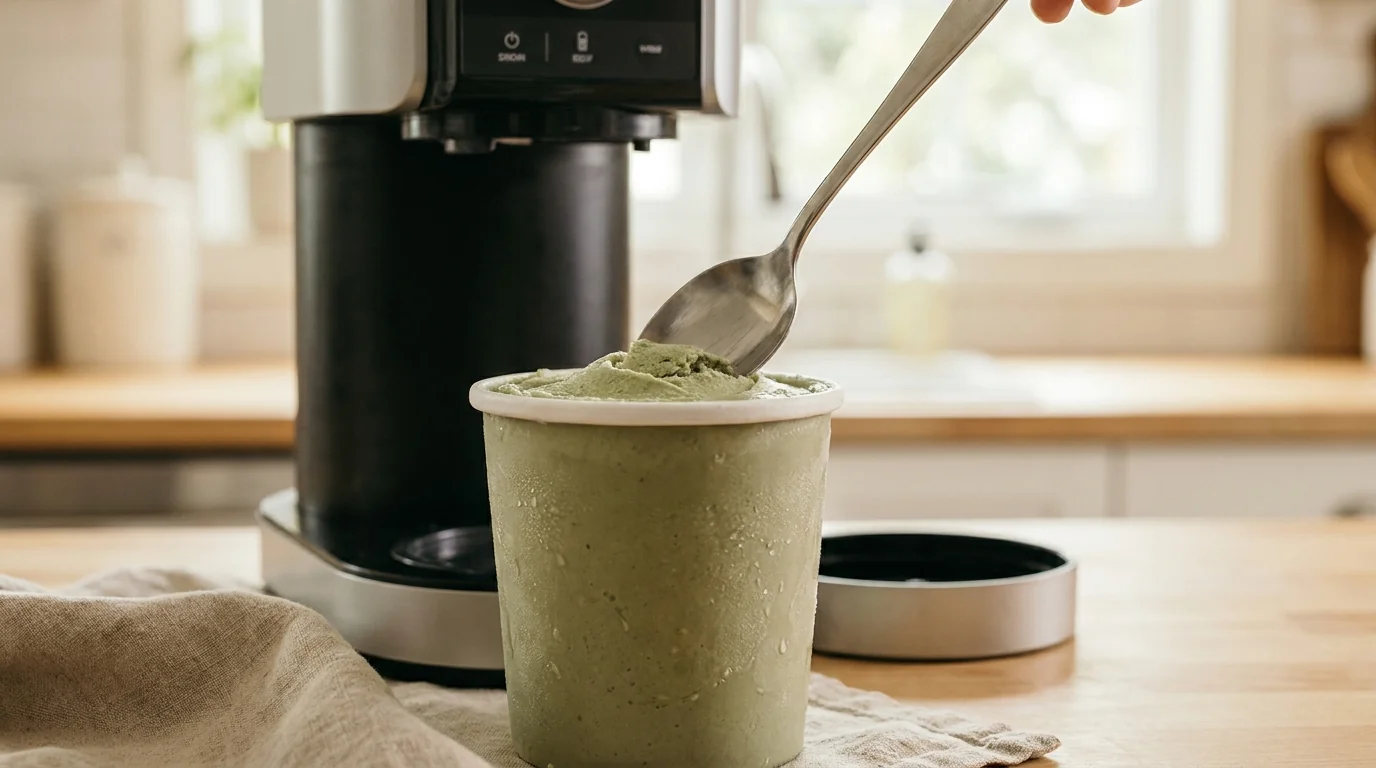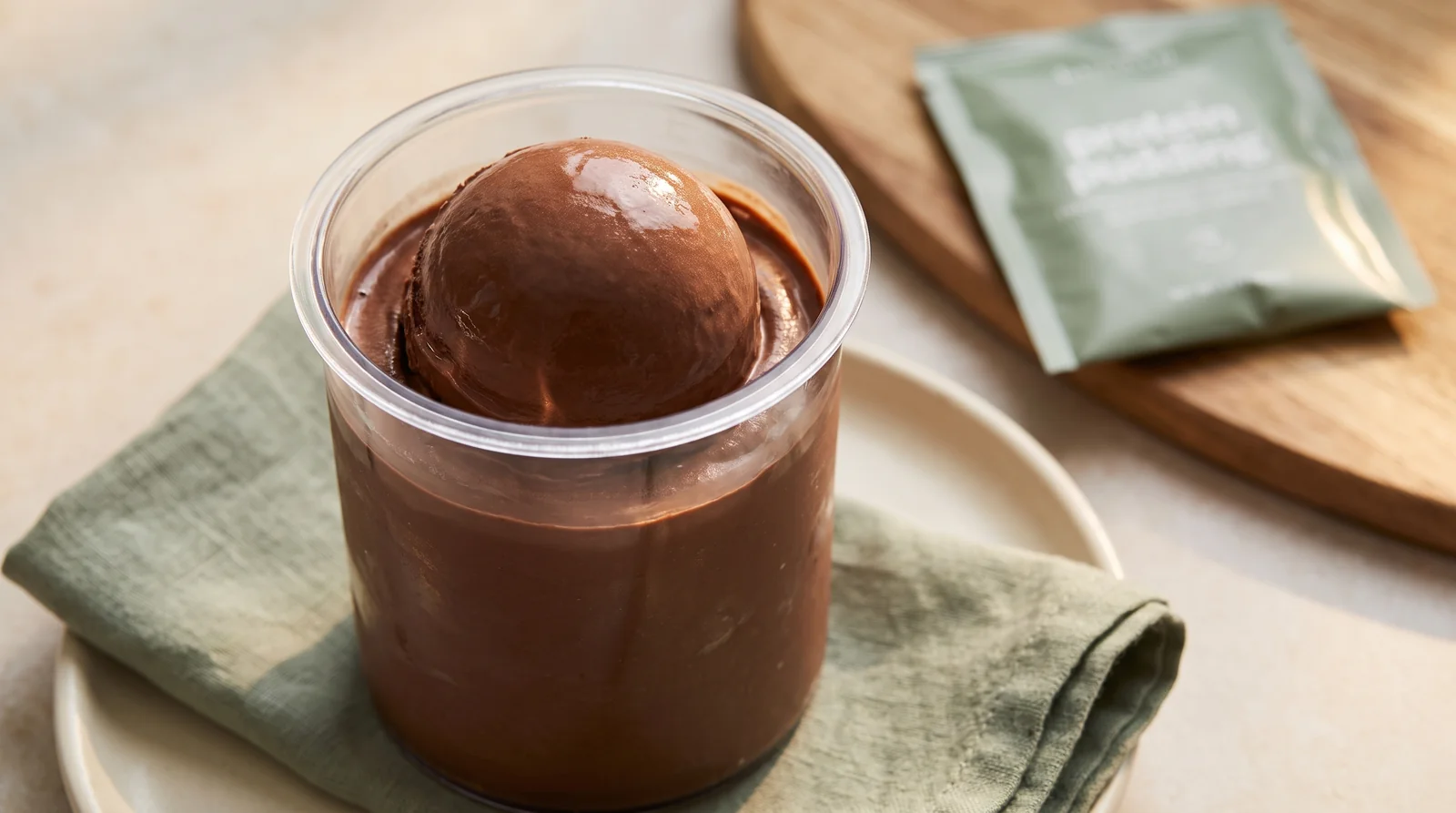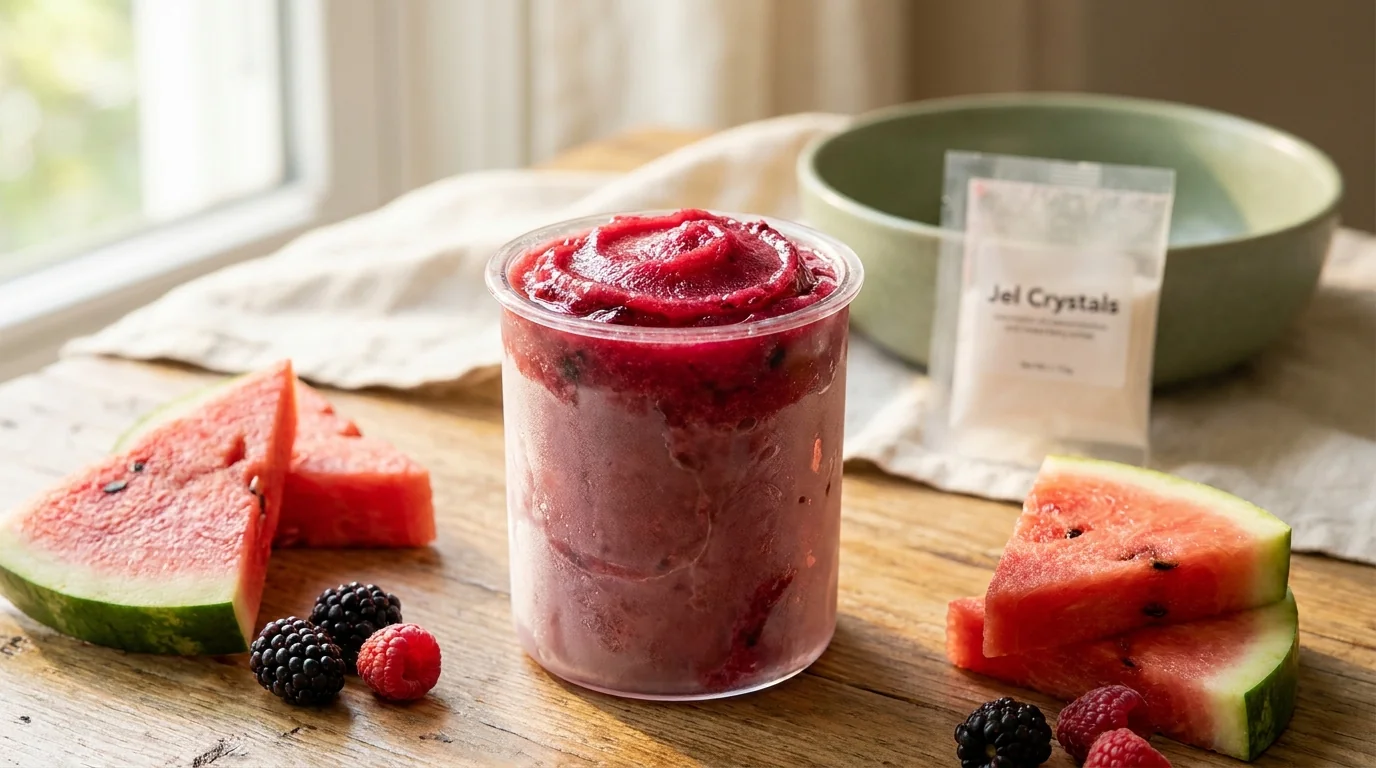
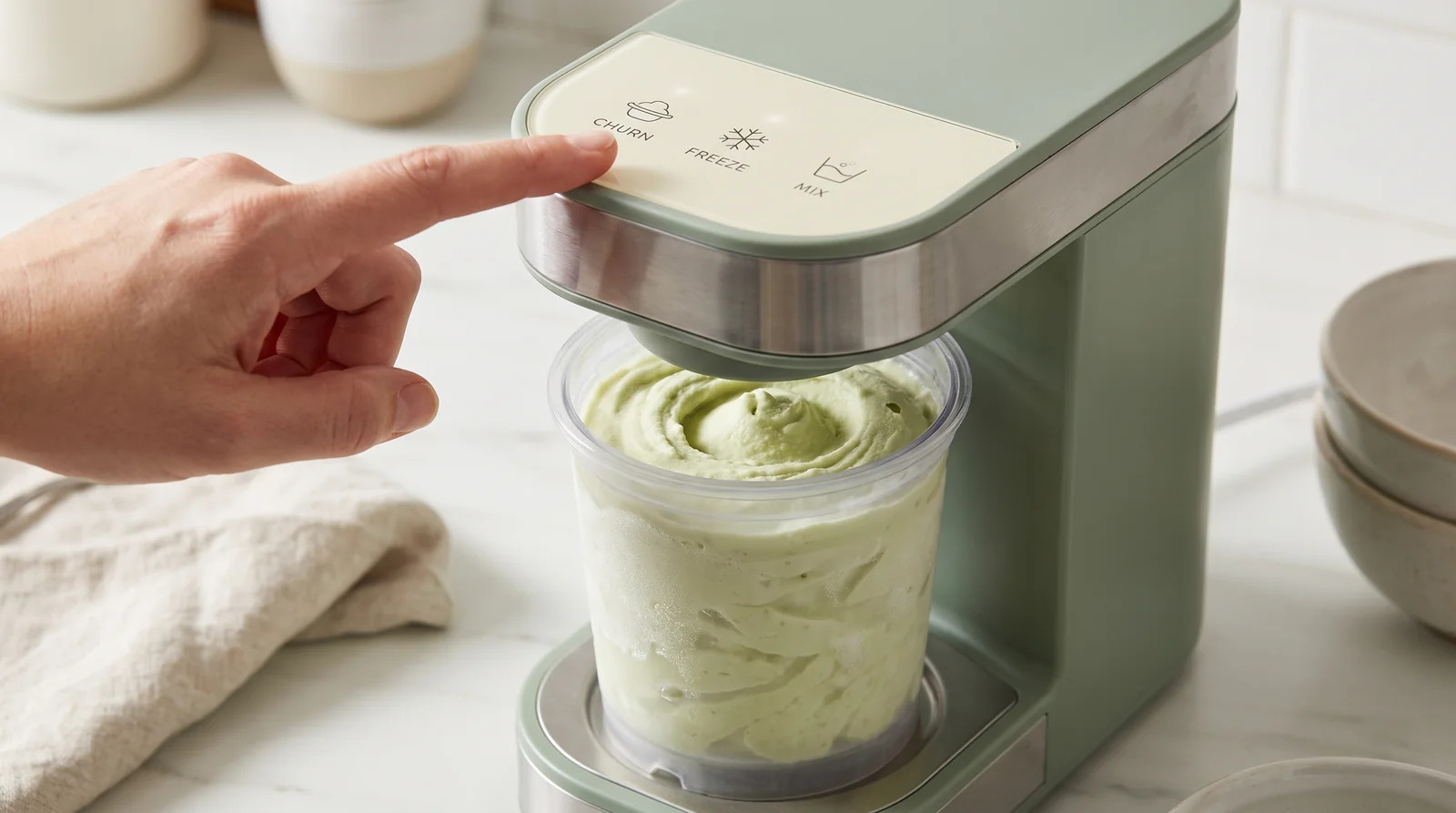
Each Ninja Creami button is a preset spin profile tuned for a specific type of base: rich cream, lean and low-sugar, fruit and water, or an already-processed pint. Picking the program that most closely matches what is in your pint matters more than most people think, because the machine cannot see your ingredients, and the wrong program on the wrong base is the number one cause of crumbly, powdery first spins.
The one-minute version: which button for what is in your pint
Before the program-by-program detail, here is the quick matching table. Find the row that describes your base and you have your button:
| What is in your pint | Button to press |
|---|---|
| Classic cream base (full-fat dairy, real sugar) | Ice Cream |
| Protein base (protein shake, or Protein Pudding Mix with milk) | Lite Ice Cream |
| Dense, custard-style base (often made with egg yolks) | Gelato |
| Fruit and water base, including a sugar-free jel sorbet base | Sorbet |
| Frozen fruit with a little liquid, eaten thick with a spoon | Smoothie Bowl |
| Drinkable treat: processed pint plus a splash of milk | Milkshake |
| Finished pint that needs chips, cookies, or fruit folded in | Mix-In |
| Crumbly or powdery pint that needs a second smoothing pass | Re-spin |
One honest note before we go deeper: Ninja does not publish the internal details of each program, so the guidance below describes what each program is designed for and what the Creami community has learned from thousands of pints, not official specifications.
Program by program: what each button is for
Ice Cream
The workhorse. Ice Cream is tuned for classic bases: full-fat dairy, real sugar, the kind of mixture an ice cream shop would churn. Fat and sugar keep a frozen base relatively soft, so this program expects a pint that gives way easily under the blade. Use it on a lean, low-sugar, or high-protein base and you will often get a crumbly first result, not because the machine failed, but because the program was built for a softer pint than the one you gave it.
Lite Ice Cream
The one most people should be pressing more often. Lite Ice Cream is designed for lighter bases: lower fat, sugar substitutes, and protein-forward recipes. Those bases freeze harder than classic cream bases, and this program is built to work through them and still deliver a smooth result. If your pint is built on a protein shake or on Simply Desserts Protein Pudding Mix whisked into milk, this is your button, and community consensus backs it strongly over the standard Ice Cream program for these bases.
Gelato
For dense, custard-style bases, traditionally made with egg yolks. Gelato-style mixtures are richer and lower in air than American-style ice cream, and this program is tuned to produce that dense, silky texture. If you have cooked a custard base, or built something rich and yolky, choose Gelato over Ice Cream.
Sorbet
For bases with little or no fat and no dairy: pureed fruit, juice, and water mixtures. These freeze into a much harder, icier block than a cream base, and the Sorbet program is built for exactly that. It is the right button for a sugar-free jel sorbet base made with Simply Desserts Jel Crystals, which are plant-based and dairy-free. Run a creamy base on Sorbet, though, and you will usually get a dense, crumbly result, because the program expects ice, not fat.
Smoothie Bowl
For frozen fruit (or fruit and yogurt) with just enough liquid to process, meant to be eaten thick with a spoon. It deliberately stops short of a fully churned, ice-cream-like texture. If you freeze fruit chunks with a splash of milk or juice for a spoonable breakfast, this is the program; do not expect it to turn a thin base into ice cream.
Milkshake
The only program meant for a pint that is not frozen solid. Milkshake blends an already-processed (or store-bought) ice cream with added milk in the pint to make a drinkable shake. A few scoops, a splash of milk, press the button. It is not a rescue program for under-frozen bases; a half-frozen pint on any program just makes soup.
Re-spin: the texture fixer
Re-spin is a second smoothing pass for a pint that has already been processed but came out crumbly, powdery, or dry. It exists because first spins on lean and low-sugar bases often need one more pass, sometimes with a tablespoon of milk added first. Knowing when to re-spin, and when to add liquid before you do, is its own skill, and we cover it properly in the complete Re-spin guide.
Mix-In: chunks without the pulverizing
Mix-In folds add-ins through a pint that has already been processed to a smooth texture. It works the contents gently enough that chocolate chips, cookie pieces, and freeze-dried fruit stay recognizable instead of disappearing into the base. The order matters: get the texture right first (Re-spin if needed), then dig a small well in the pint, add your chunks, and run Mix-In. Timing and add-in choice make a big difference, and our mix-ins timing article walks through both.
Original vs Deluxe: match your model
Button lineups vary by model, so treat any list (including this one) as a map, not a photograph of your machine. The original Ninja Creami models (the NC300 series) use standard 16 oz pints and carry the core lineup covered above: Ice Cream, Lite Ice Cream, Gelato, Sorbet, Smoothie Bowl, Milkshake, Mix-In, and Re-spin. The Deluxe models (the NC500 series) use larger 24 oz pints and, depending on the exact model, add programs such as Frozen Yogurt, Frozen Drink or Slushi, and CreamiFit, a program aimed squarely at protein and lighter bases.
If a recipe names a program your machine does not have, match by base type instead of by name: a protein base belongs on CreamiFit or Lite Ice Cream, a fruit and water base belongs on Sorbet, and a classic cream base belongs on Ice Cream. Check your own control panel and your model number, and the rest of this guide translates directly.
Which buttons Simply Desserts bases run best on
Two of our product lines were practically made for this machine, and each has a clear home on the control panel.
Protein Pudding Mix bases: Lite Ice Cream. Whisk Simply Desserts Protein Pudding Mix (a dairy product built on milk protein, with 5g of protein per serving of mix, 20g per box) into milk, freeze for 24 hours, and process on Lite Ice Cream. The mix's starch does the stabilizing while the program handles the lean, protein-forward pint. The full base formula, ratios and all, is in our protein ice cream guide.
Jel-crystal sorbet bases: Sorbet. Simply Desserts Jel Crystals are plant-based, dairy-free, and sugar-free, and a jel-stabilized fruit base is exactly the low-fat, high-water pint the Sorbet program was built for. The sorbet guide covers the method step by step.
Both lines are in the Simply Desserts shop, and the Ninja Creami hub has every recipe and Fix-It built around them.